


Buying Guides
Sourcing obsolete ICs: options and risks
When a part reaches end of life, you still have options. Here is how they compare.
Supply network · Shenzhen / Global
Obsolete, restricted and high-value components. Marking, date code, condition and packing are confirmed before you receive a quote.

01Find the part
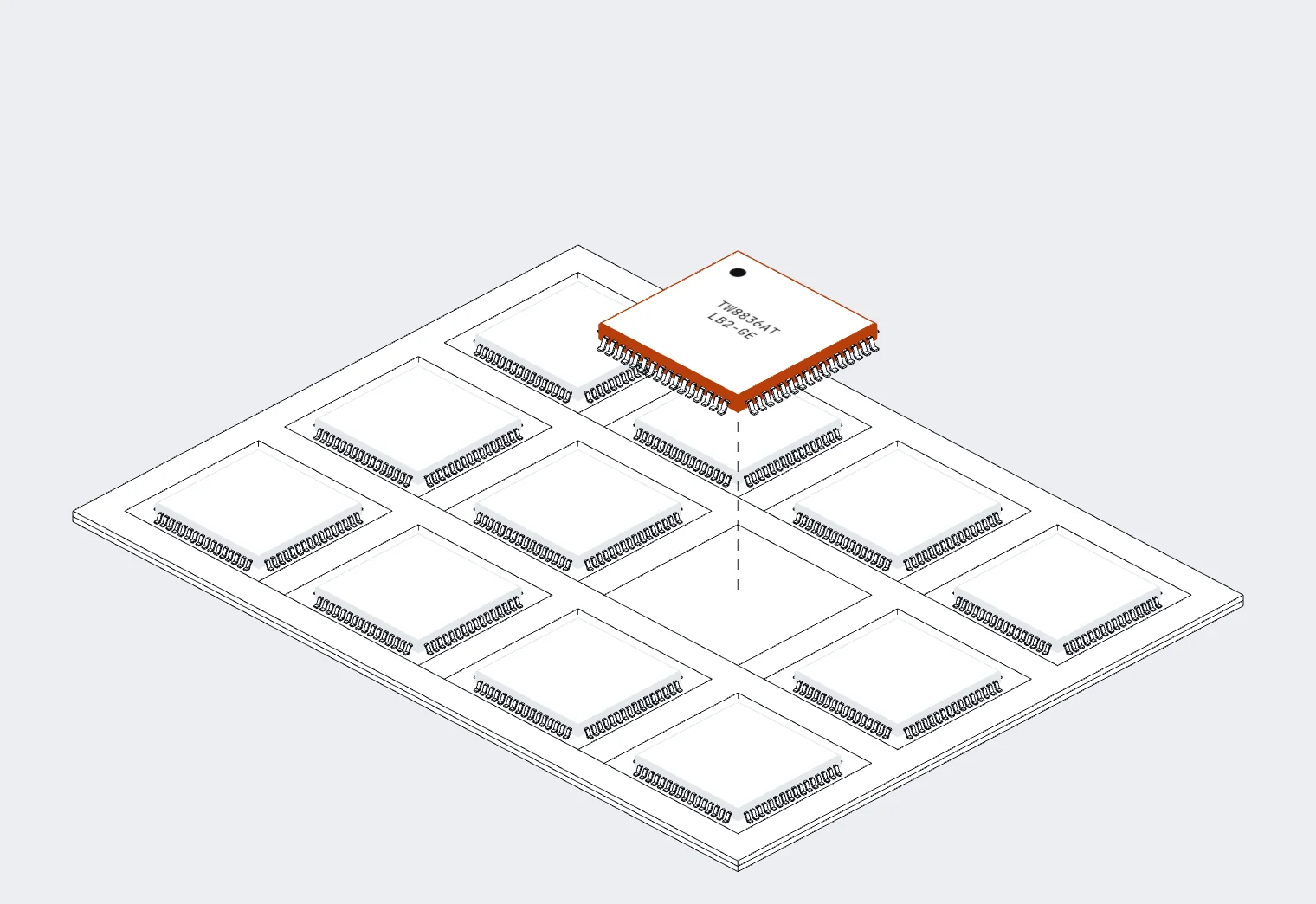
02From the tray to your quote
03On the bench
Public listings help you start. The actual lot, packaging and traceability boundary is confirmed with the formal quote, never assumed.
The ordering code and the marking on the parts are matched to your requirement.
Stated per lot, so you can judge lifecycle and storage age before you commit.
New or otherwise, sealed or repacked, tray, reel or tube: written into the quote.
Which documents and photos exist for this lot, and which do not, is stated plainly.
04Parts we supply
| Part number | Manufacturer | Package | Availability | Action |
|---|---|---|---|---|
| NTCALUG03A103G |  Vishay Vishay | 2-PIN | Available | Inspect |
| GD32F470VKH6 | GigaDevice | BGA100 | Available | Inspect |
| STM32H743VIH6 |  STMicroelectronics STMicroelectronics | TFBGA-100 | Available | Inspect |
| EFM8BB51F16G-C-QFN20R |  Silicon Labs Silicon Labs | QFN20 | Available | Inspect |
| ETA5050V33S2F |  ETA ETA | SOT23-5 | Available | Inspect |
| ME6206A30M3G |  MICRONE MICRONE | SOT-23 | Available | Inspect |
05Guides & notes
Short notes on quotes, date codes, packaging and replacement parts.
Buying Guides
When a part reaches end of life, you still have options. Here is how they compare.
Buying Guides
What to put in a parts list so suppliers can quote quickly and correctly.
Buying Guides
What date codes and lot codes tell you, and the questions to ask before you buy.
06What we source
 Microcontrollers & ProcessorsMCUs, microprocessors, application processors, SoCs and DSPs for embedded and industrial designs.661 part numbers

 Power ManagementPMICs, LDOs, DC-DC and AC-DC converters, battery management, supervisors, references and drivers.730 part numbers

 Analog & Data ConversionOp amps, comparators, ADCs, DACs, analog front ends and analog switches.767 part numbers
 Interface ICsCAN, RS-485, RS-232 and USB interface silicon, level translators, buffers and transceivers.503 part numbers
 Logic & Programmable LogicLogic gates and logic ICs, FPGAs, CPLDs and PLDs, including long-life and legacy devices.500 part numbers

 RF & WirelessRF ICs, front ends and amplifiers, Bluetooth, NFC / RFID and wireless transceivers.389 part numbers
 SensorsSensor ICs for temperature, light, motion, environment and position measurement.228 part numbersSensirion
 Clock & TimingClock generators, PLLs, timing ICs and real-time clocks.204 part numbers
 Isolation & OptocouplersDigital isolators and optocouplers for safe signal transfer across isolation barriers.204 part numbers
 Memory & StorageDRAM, NAND, Flash, memory modules, memory cards and industrial storage.329 part numbers
 Cypress Semiconductor
 Optical & NetworkingOptical transceivers, optical modules, network cards and communication controllers.23 part numbersRealtek
 Semiconductors & ICsSpecialty ICs, display drivers, discrete power devices and other silicon outside the dedicated families.27 part numbers
 Standard Components & BOM SourcingRoutine components and BOM requirements handled through a single RFQ.Quoted from your BOM
 Boards & AssembliesPopulated controller boards, replacement assemblies and board-level requirements.Quoted from your BOM
Package images are illustrative models, not photos of actual parts.
07Part numbers
08Send the requirement
We confirm stock, lot, lead time and pricing by email. An RFQ does not create an order.
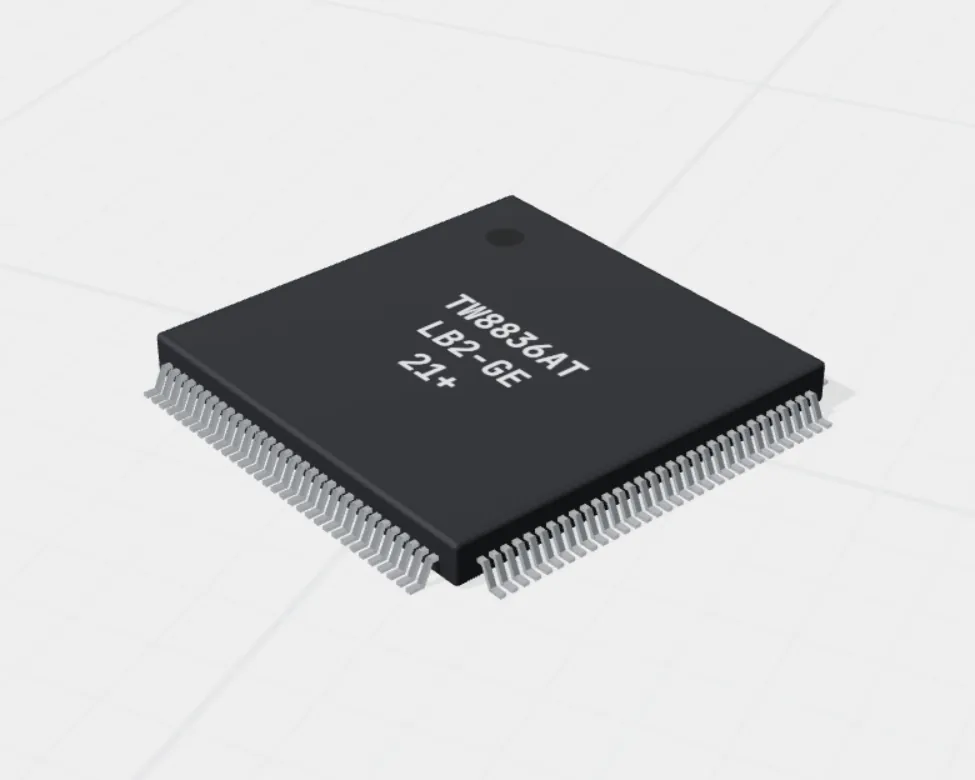


 3D model
 3D model